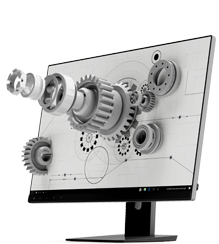
What does the contrast level of the LCD screen affect?
The contrast ratio of a LCD screen is one of the core indicators that determine the quality of the screen image So the contrast of the LCD screen will significantly affect the display effect
C403, No. 8 Xiyuan 9th Road, Xihu District, Hangzhou City, Zhejiang Province market@idtdisplay.com
Call Us :+86-18969088997

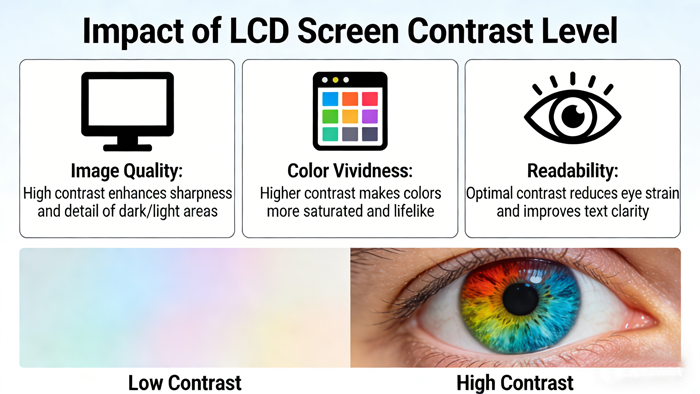
The contrast ratio of a LCD screen is one of the core indicators that determine the quality of the screen image So the contrast of the LCD screen will significantly affect the display effect
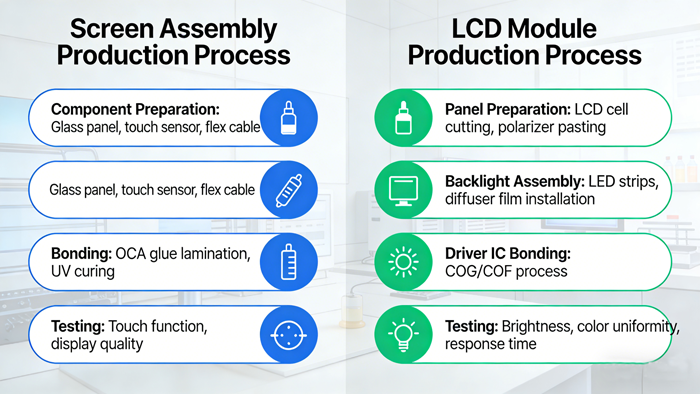
Although screen assemblies and LCD modules are often mixed, they have an upstream downstream relationship in the production process, with essential differences in complexity and integration Simply put, the LCD module is the core component of the screen
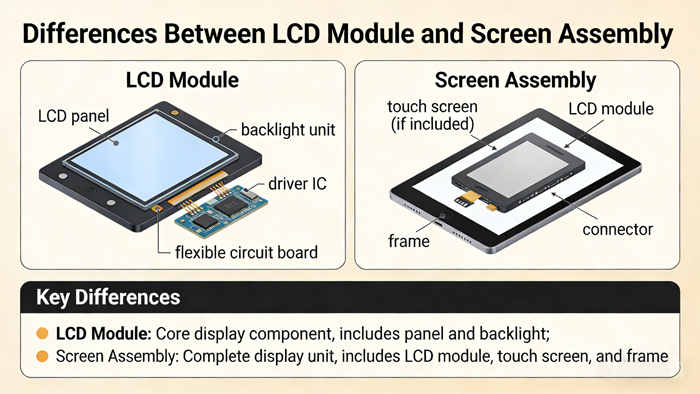
The LCD module is the core display component of the screen, while the screen assembly is a complete component that can be directly installed and used, including the LCD module and other necessary structural components
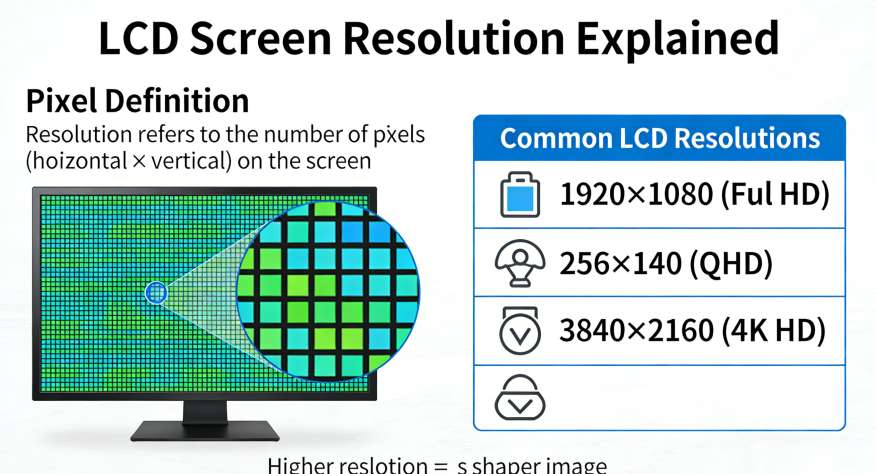
Resolution refers to how many pixels a LCD screen is composed of, represented by the number of horizontal pixels multiplied by the number of vertical pixels For example, a 1920 × 1080 screen has 1920 pixels (columns) and 1080 pixels (rows)
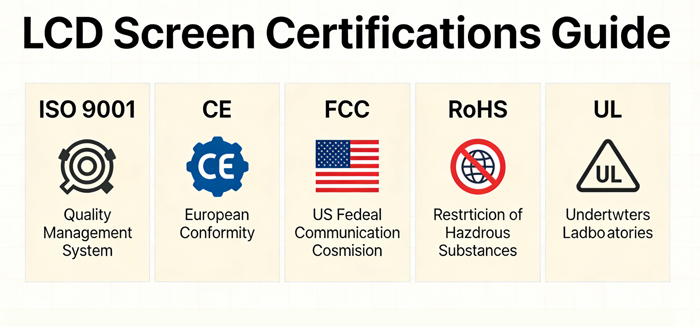
When selecting certification for LCD screens, the first step is to lock in mandatory certifications based on the target sales market (such as ROSH in China and CE in the European Union), which is the basis for the product to be legally marketed
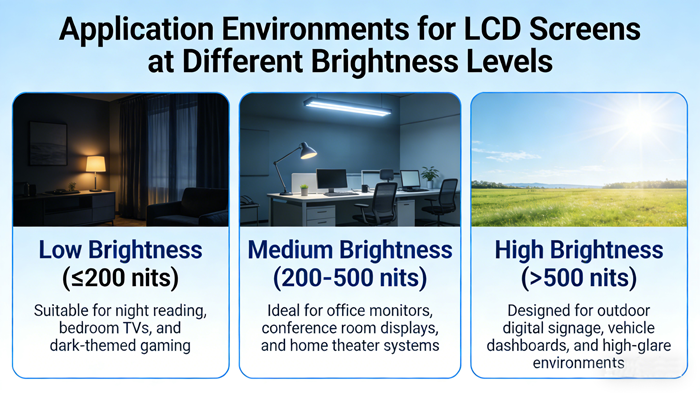
Application environments corresponding to LCD screens of different brightness levelsThe brightness of a LCD screen
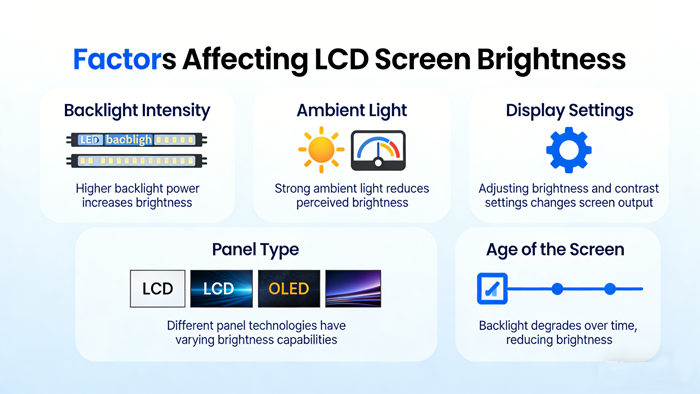
The liquid crystal screen (LCD) itself does not emit light, and its brightness mainly depends on the backlight system and the efficiency of light passing through the LCD panel Therefore, the factors affecting the brightness of LCD screens can be analyzed
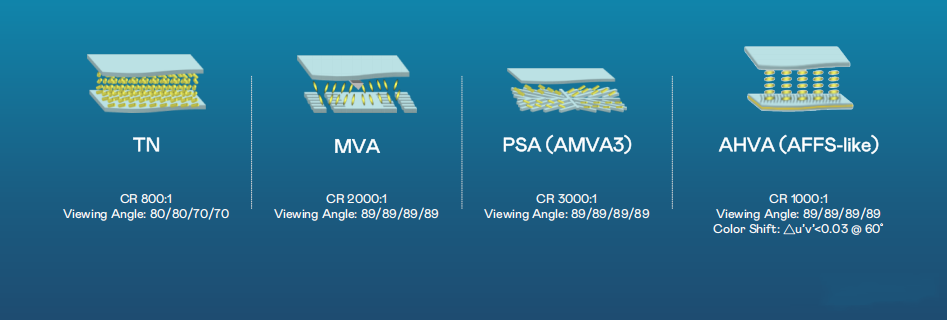
The fundamental reason why there is a huge difference in the viewing angle of LCD screens is the arrangement of liquid crystal molecules and the way they control the passage of light
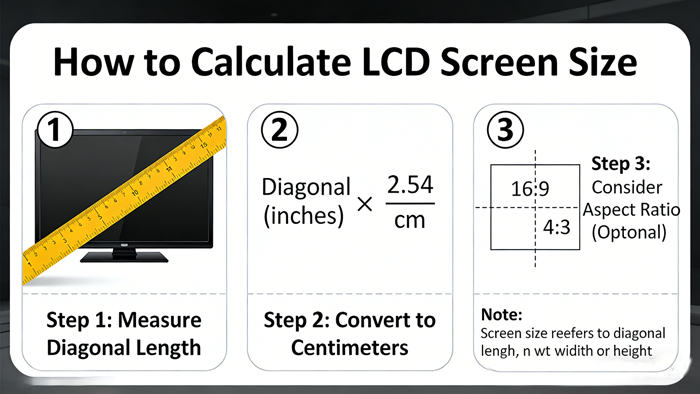
The size of a LCD screen (in inches) refers to the length of the diagonal of the screen Knowing the width and height of the display area, use the Pythagorean theorem to calculate the diagonal
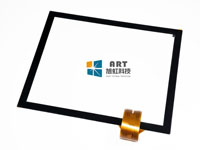
The classification of capacitive touch screens is more diverse than resistive screens, mainly based on their working principle, structural integration, and implementation technology
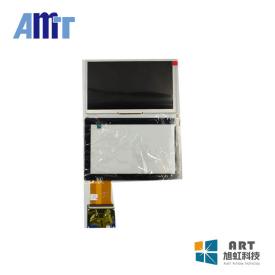
Resistive touch screens are mainly classified based on their internal structure, conductor materials, and working principles The following is a detailed classification:
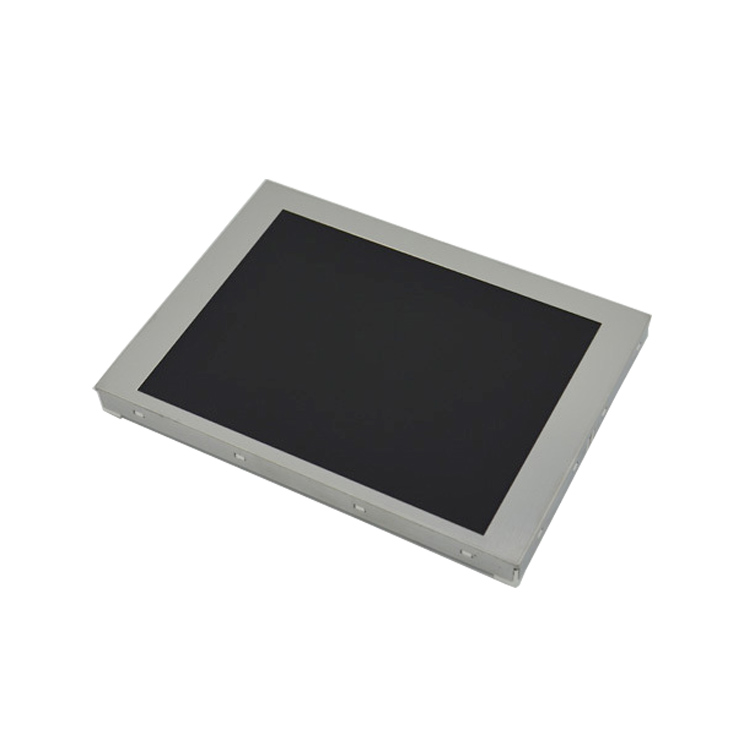
The 5 7-inch screen is integrated into the industrial human-machine interface (HMI), PLC、 Numerical control system This type of screen usually features a resistive touch screen for easy operation, and has sturdy characteristics such as wide temperature
The factors that affect the price of 5 7-inch LCD screens are mainly divided into three categories: technical specifications, procurement batch size, and supply chain situation
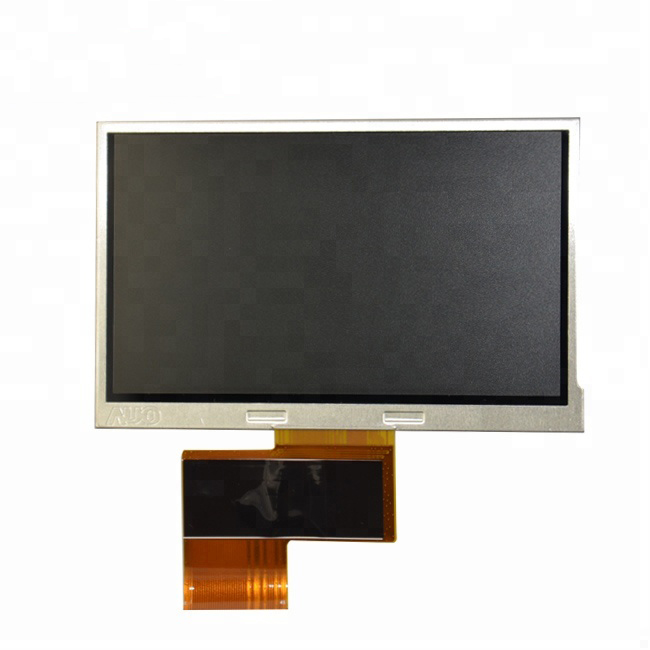
At present, there are many models of 5 7-inch LCD screens on the market, which can be quickly classified based on core performance parameters The table below summarizes several typical categories and representative models for your convenience in selecti
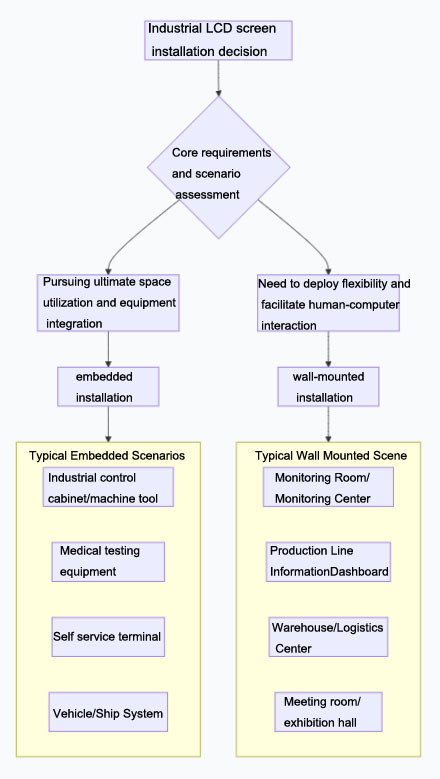
The core difference between embedded and wall mounted installation of industrial LCD screens lies in "fixed integration " and "flexible deployment " The choice of method mainly depends on your space, environment, interaction, and maintenance needs
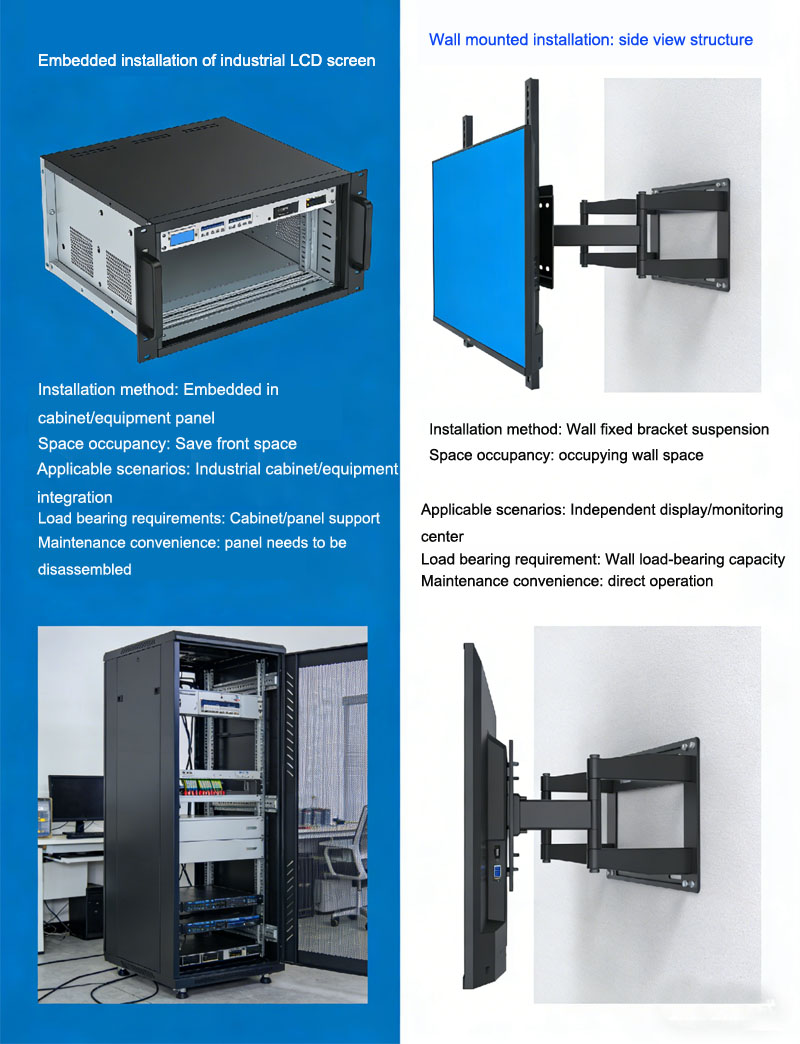
The embedded and wall mounted installation of industrial LCD screens is difficult to provide a "standard price " due to the highly personalized installation cost Comparisons can be made based on differences in cost composition and indirect expenses
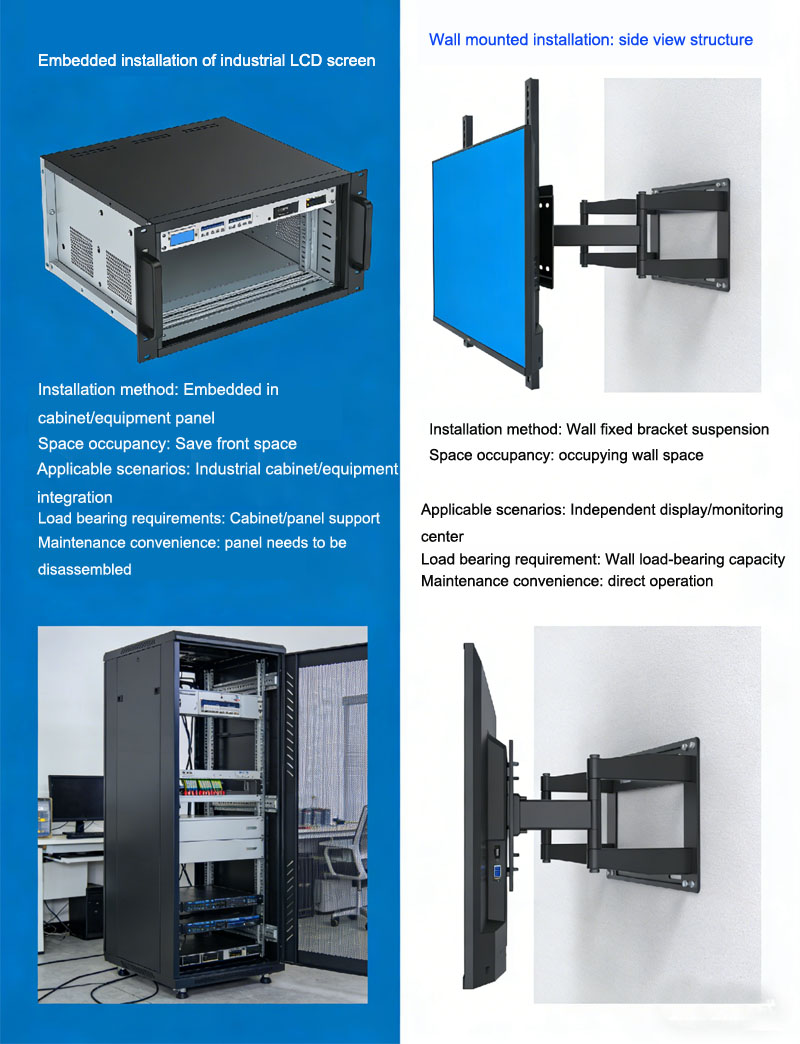
The core difference between embedded installation and flat installation (usually referring to wall mounted) of industrial LCD screens is that the former embeds the screen into a panel or cabinet, integrating it with the environment; The latter fixes the s
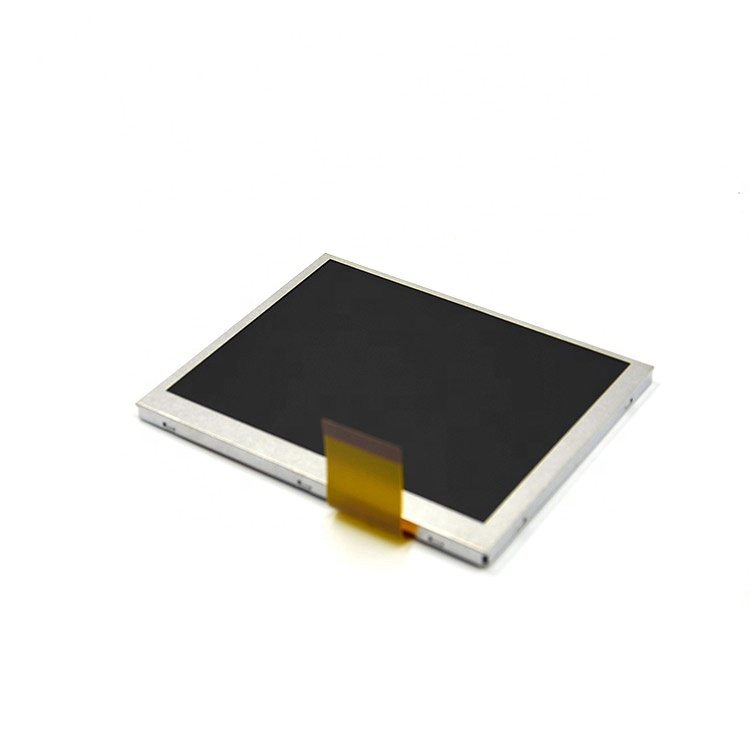
Resolution is the core factor determining the visual experience of a 5 6-inch small screen Its impact on the display effect is comprehensive, which can be summarized as follows:Clarity and delicacy,Content capacity and layout,Detail presentation ability

The lifespan of a 5 6-inch LCD screen mainly depends on its product grade and backlight technology, ranging from tens of thousands of hours to over 70000 hours

The common resolutions of 5 6-inch LCD screens are as follows: 640 × 480, 800 × 480, 1280 × 800, and 320 × 240
Hangzhou IDT DISPLAY TECHNOLOGY CO.,LTD is the main agent of Youda AUO LCD screen, CHIMEI LCD screen, Mitsubishi LCD screen, INNOLUX LCD screen, Tianma LCD screen, touch LCD screen and other small ...
Read More